Running a Flet app (Hot Reload)
Flet apps can be executed as either desktop or web applications using the flet run command.
Doing so will start the app in a native OS window or a web browser, respectively, with hot reload enabled to view changes in real-time.
Desktop app
To run Flet app as a desktop app, use the following command:
- uv
- pip
uv run flet run
flet run
When you run the command without any arguments, main.py script in the current directory will be executed, by default.
If you need to provide a different path, use the following command:
- uv
- pip
uv run flet run [script]
flet run [script]
Where [script] is a relative (ex: counter.py) or absolute (ex: /Users/john/projects/flet-app/main.py) path to the Python script you want to run.
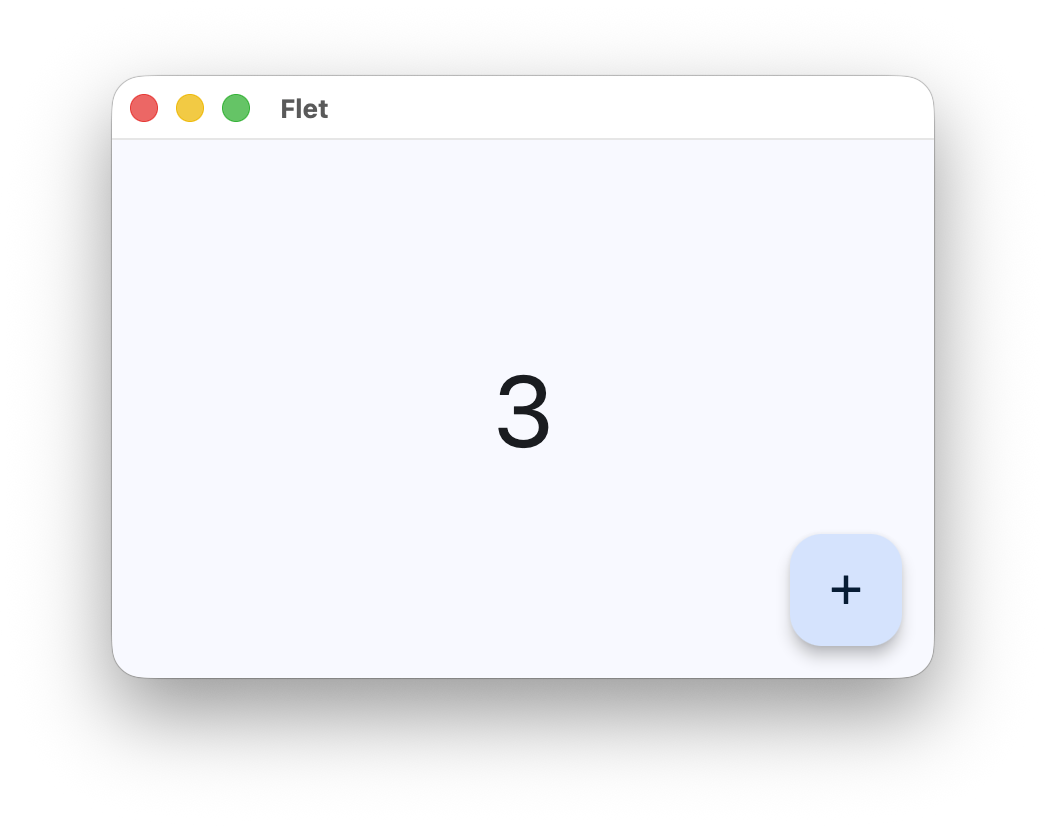
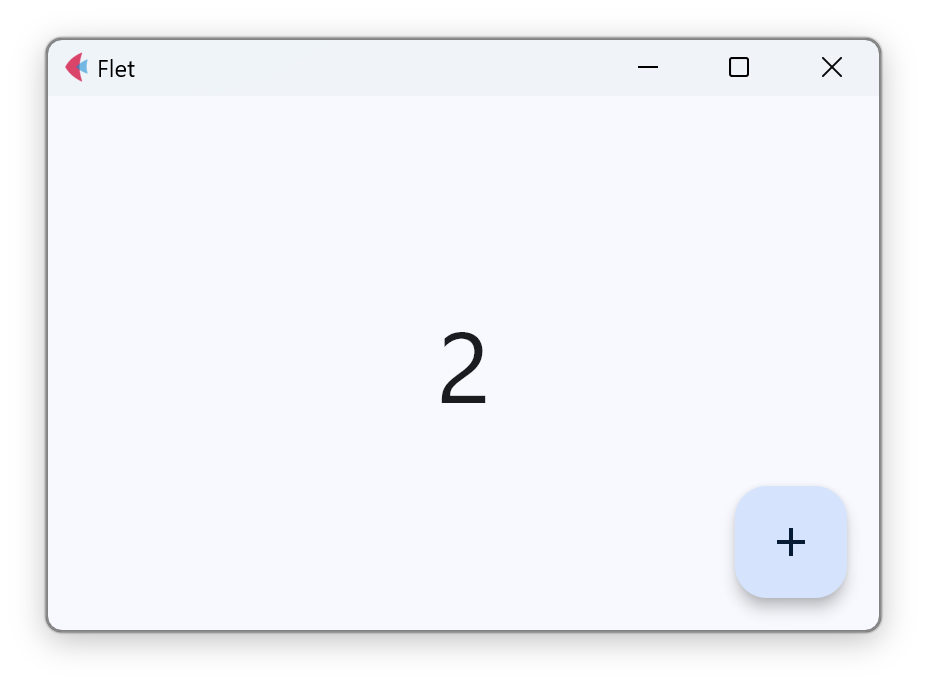
The app will be started in a native OS window:
-
macOS
-
Windows
Web app
To run Flet app as a web app, use the --web (or -w) option:
- uv
- pip
uv run flet run --web [script]
flet run --web [script]
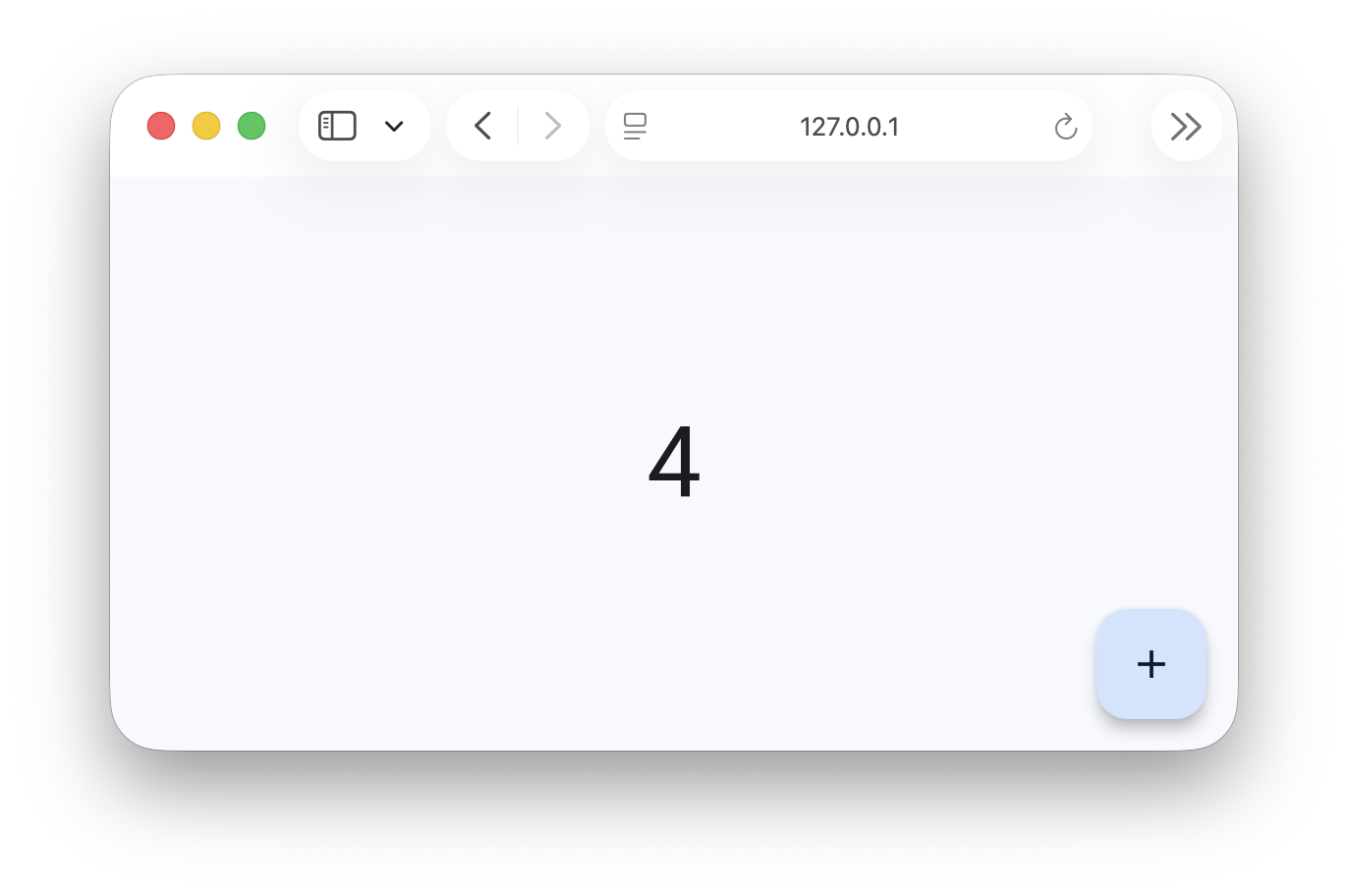
A new browser window/tab will be opened and the app will be using a random TCP port:
Passing arguments to your app
Anything after a -- separator is passed through to your app script instead of being
interpreted by Flet, and shows up there as sys.argv[1:]:
- uv
- pip
uv run flet run --web [script] -- --dataset big.csv --verbose
flet run --web [script] -- --dataset big.csv --verbose
Your app reads them as it would when started with python:
import argparse
import sys

import flet as ft

parser = argparse.ArgumentParser()
parser.add_argument("--dataset", default="small.csv")
parser.add_argument("--verbose", action="store_true")
options = parser.parse_args(sys.argv[1:])


def main(page: ft.Page):
    page.add(ft.Text(f"Dataset: {options.dataset}"))


ft.run(main)
The -- separator is what keeps your app's arguments from being read as Flet's own -
without it, flet run main.py --verbose fails because --verbose is not a
flet run option. Arguments that don't start with a - can be
passed without a separator, e.g. flet run main.py big.csv.
The same arguments are re-applied every time the app is hot reloaded, and they are
passed through in all run modes: desktop, --web, --ios and --android.
Watching for changes
By default, Flet will watch the script file that was run and reload the app whenever the contents of this file are modified+saved, but will not watch for changes in other files.
To modify this behavior, you can use one or more of these flet run options:
-dor--directoryto watch for changes in the[script]s directory only-ror--recursiveto watch for changes in the[script]s directory and all sub-directories recursively
- uv
- pip
uv run flet run --recursive [script]
flet run --recursive [script]